How to leave the XRPortal
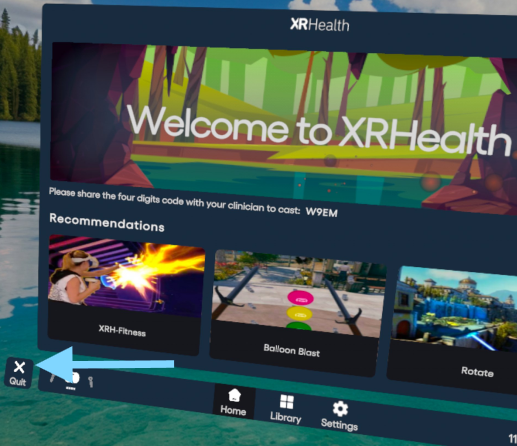
Click the “Quit” button on the bottom-left corner.
Inside a Video or Environment
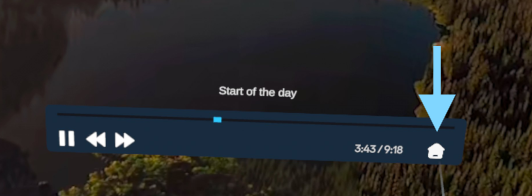
Press the Menu button to bring up the play bar.
Select the Home icon to return to the library.
App-Specific Exit Instructions
| App | How to Exit | |
|---|---|---|
| Mind & Motion / First Resort | Click the Menu button, then select “Exit.” | 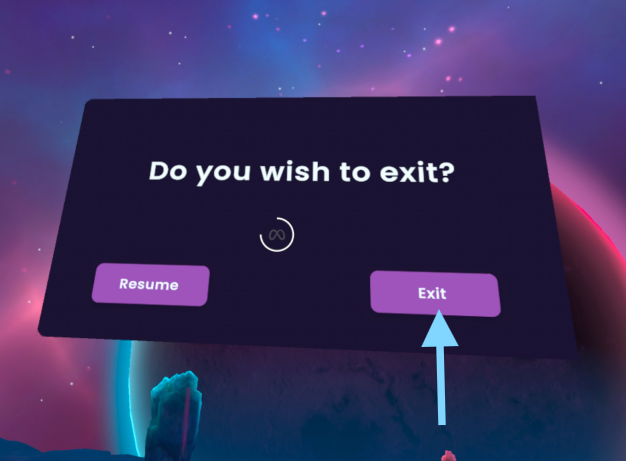 |
| Balloon Blast / Rotate / Color Match / Memorize / Luna | Click the Menu button from the game menu, then select “Quit Application.” | 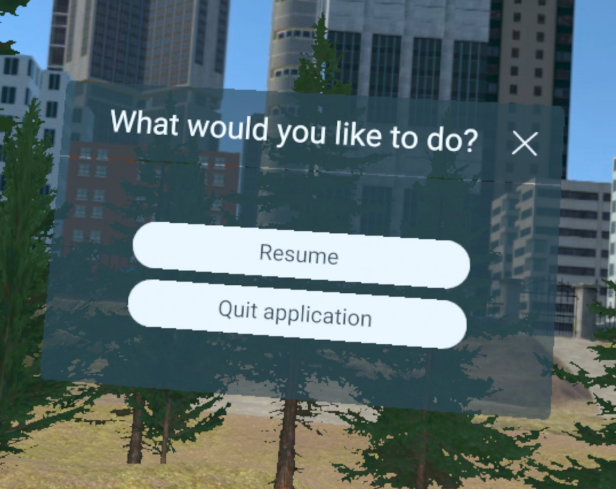 |
| XRFitness | Go to the main menu of the app and select “Quit.” | 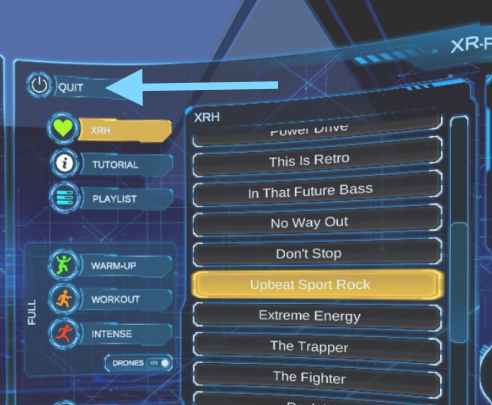 |
| Create XR | Point at the book icon at the bottom of your virtual controller to open the options menu, then click the door icon to exit the experience. | 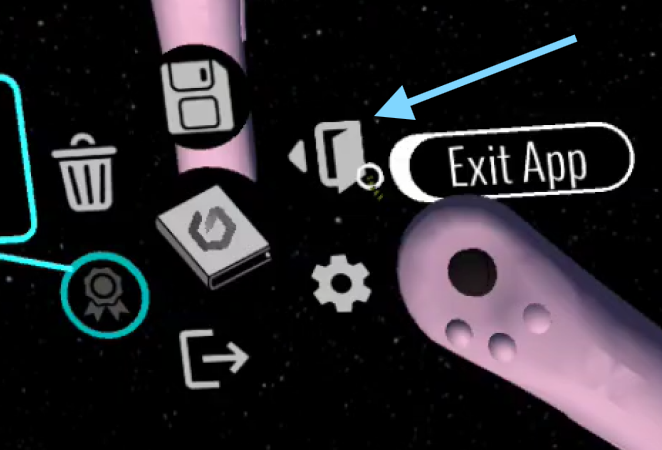 |
| Behavioral Space / Reliever Space apps | Click the Menu button, then select “Quit.” | 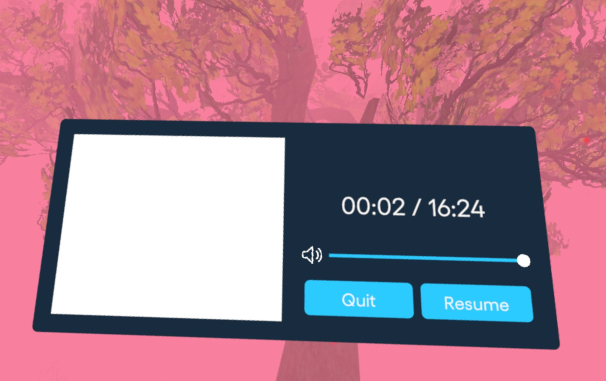 |